
Create invoices online
Send your client a link to the invoice or a PDF — they pay online. For subscriptions, rent or retainers, set up a schedule once: invoices are created and sent automatically.

Electronic
signature
No commission
Recurring
invoices
Artificial
intelligence
7 days without limits, then — according to the pricing plan.
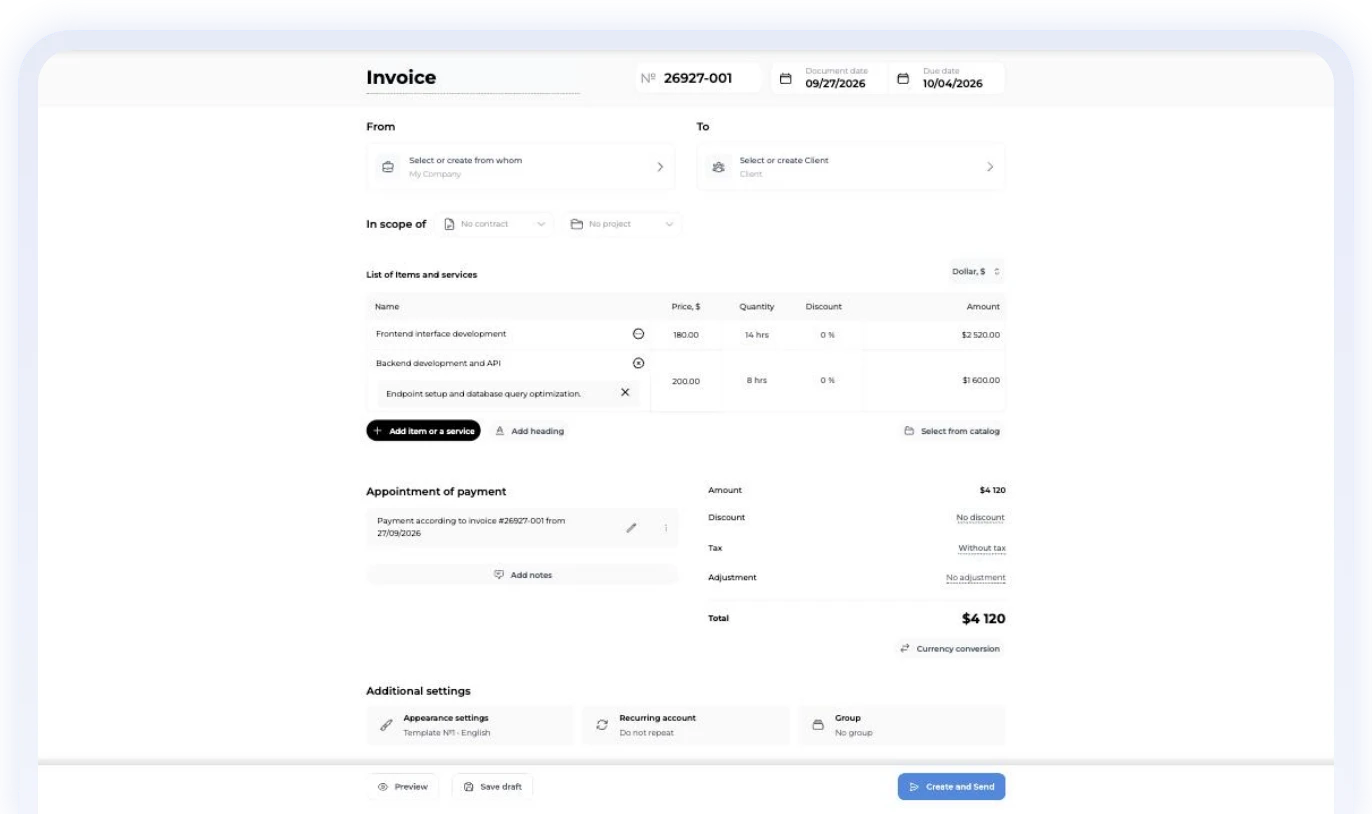
Payment convenience for your clients





Complete document workflow
The entire document journey — from agreement to deal closure
Invoice
Issuing, payment, control
 Quick creationAdd details and line items, and generate an invoice in minutes.
 Online paymentA QR code, a payment link and convenient payment for your clients.
 Statuses and remindersTrack payments and send reminders automatically.
 Create an invoice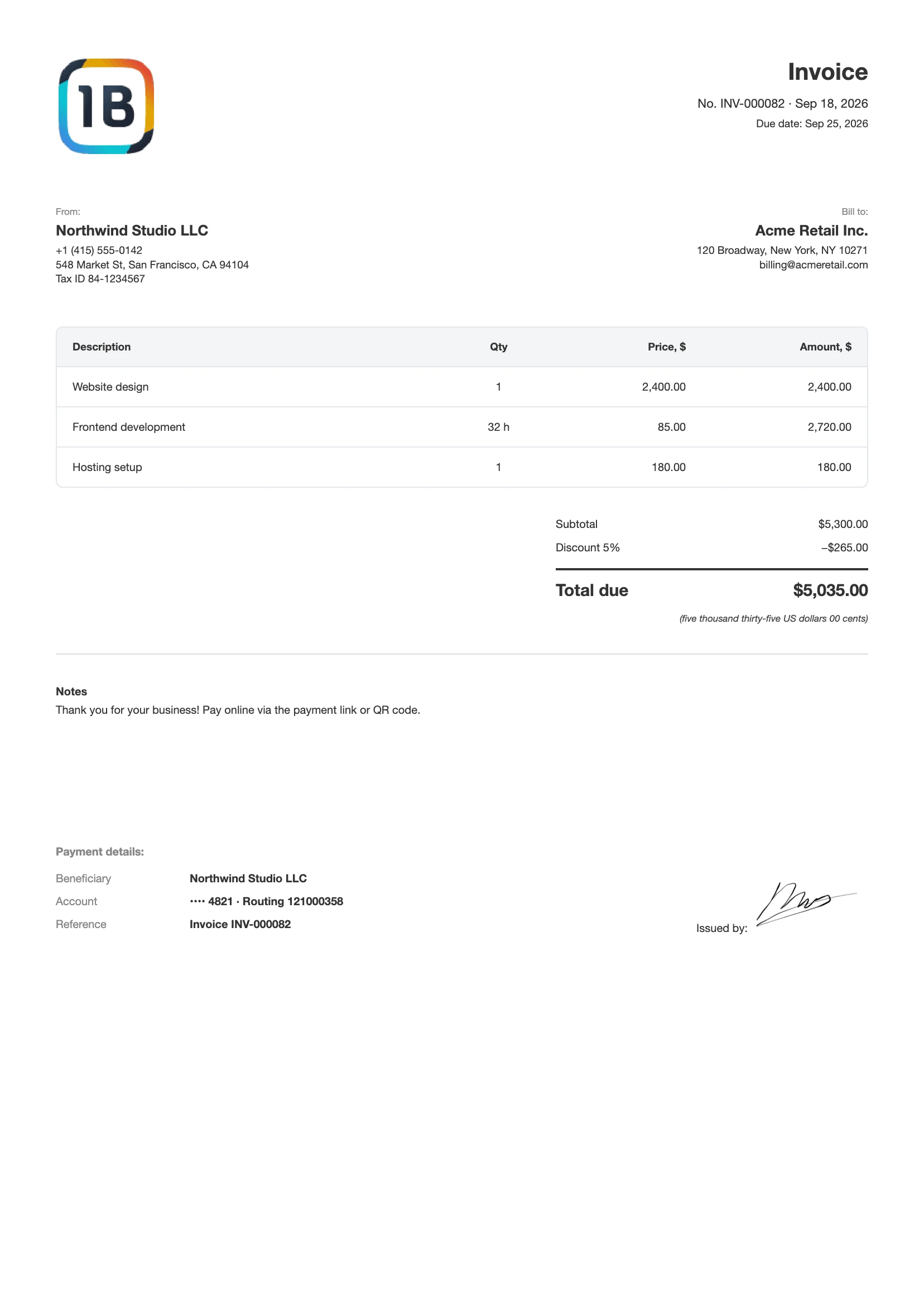
ARTIFICIAL INTELLIGENCE
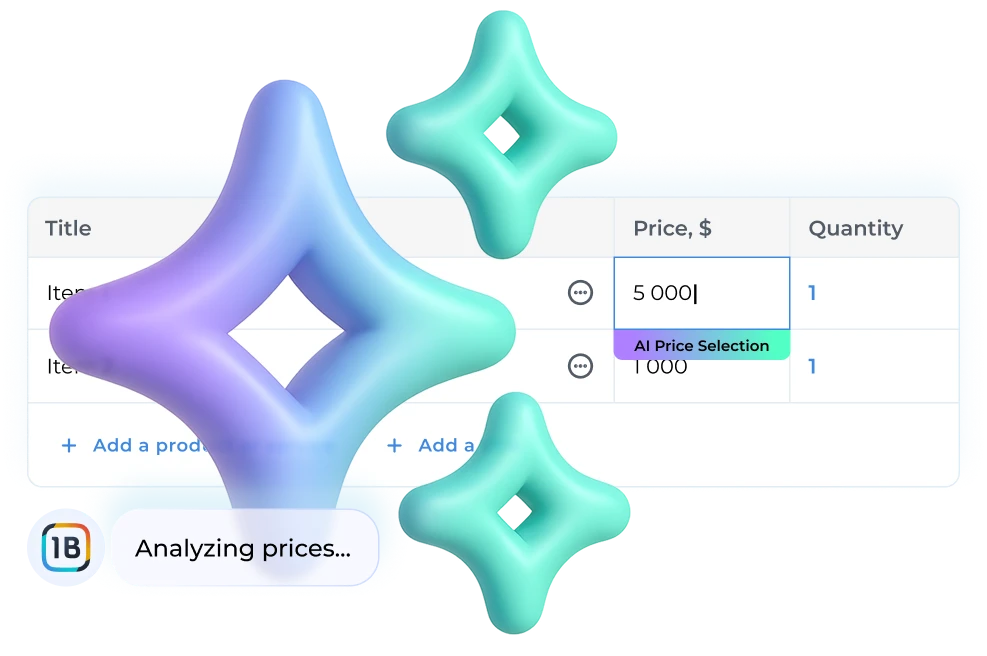
Invoice Price AI
Smart pricing: AI automatically determines the optimal price for each client based on market conditions and their solvency.
Get paid faster
Compare the payment process
⚡️
Create an invoice in a minute
📲
Client opens the link and pays in one click or via QR
👌
All payment details are filled in automatically
💸
Payments arrive faster and without extra questions

Analytics
Analytics that show the real state of your business

General Analytics
All invoice information in one place.

Top Clients
See which clients generate the most revenue.

Top Products & Services
Identify what sells best and what makes your business more profitable.

Client & Product Reporting
Detailed reports by client and product for any given period.
More possibilities
Everything that simplifies the daily work of a business
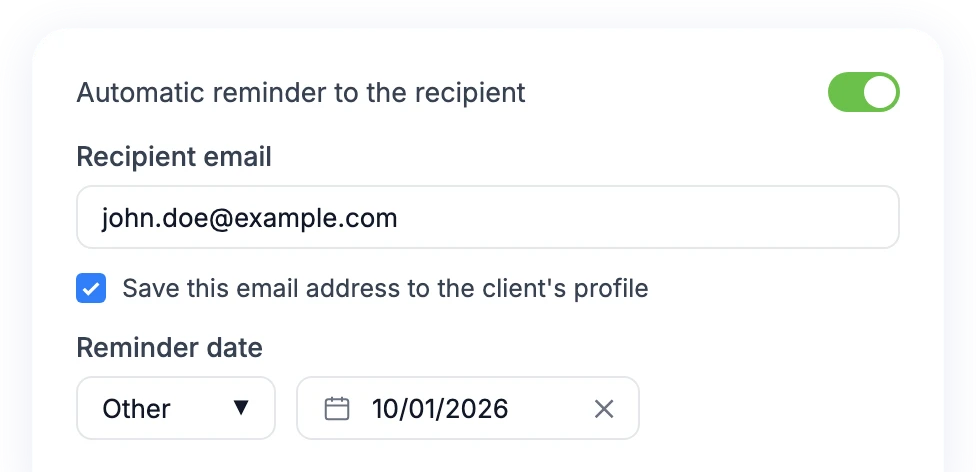
Payment Reminders
Automatic emails to debtors.

Branding
Personalize your document.

Email Distribution
Professional, fast, in one click.

Projects
Manage project work.

Import
Clients, products, invoices
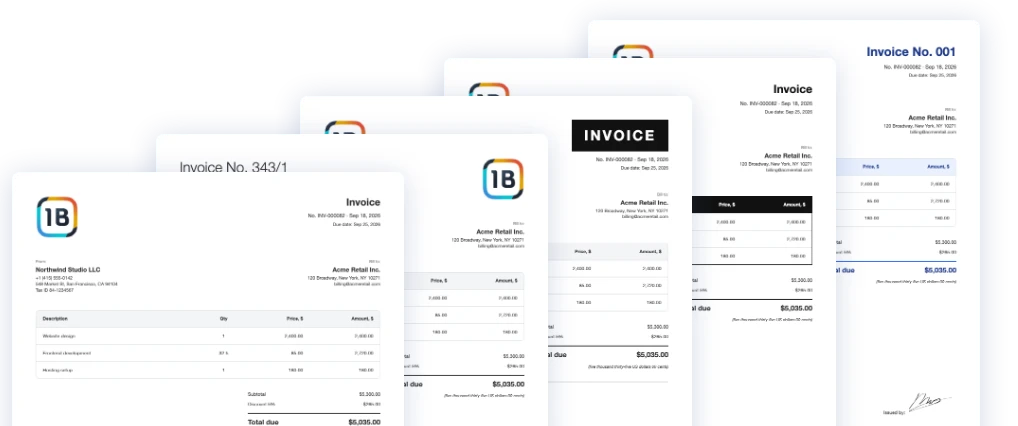
Document Templates
Create your corporate style once — use it always.
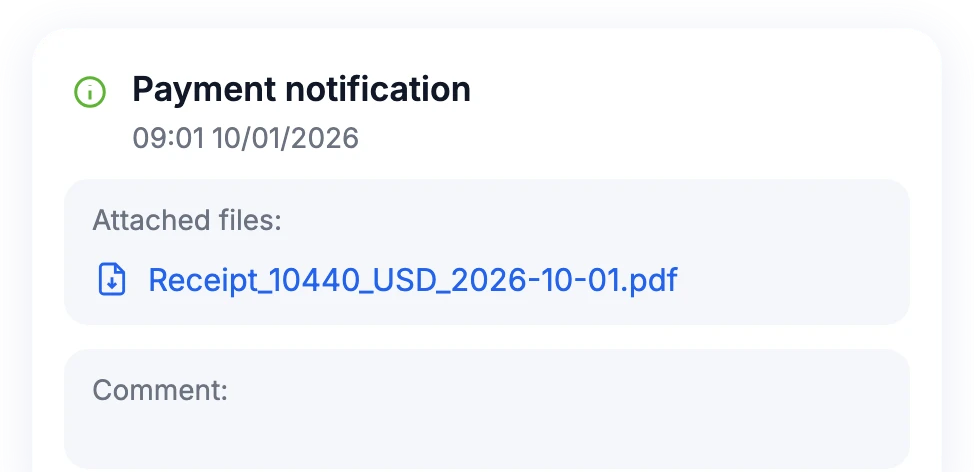
Payment Confirmation
Clients can immediately send a receipt to the system.

Single Base
Archive of all documents.

Export
Excel, PDF, CSV, XML.

Groups
Group documents by folders.

Payment in Installments
Partial payments, advances, etc.
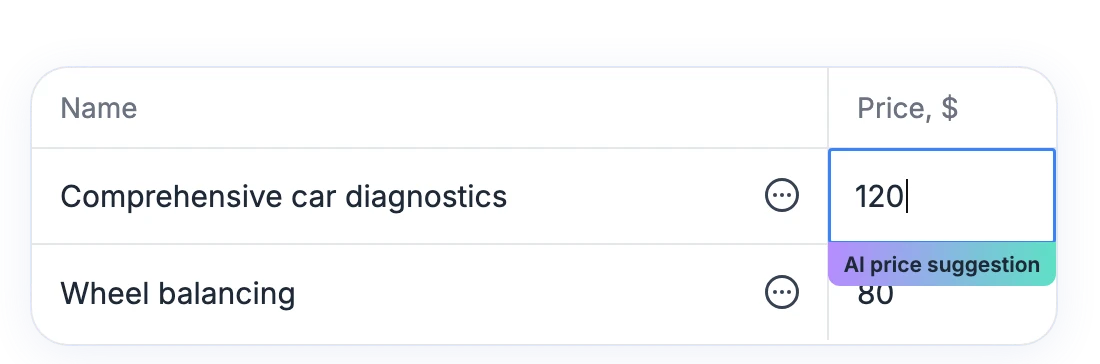
Price AI
Pricing based on market analysis, trends using AI.

Multilingualism
Support for many languages.

Regular Invoices
Automatic invoicing.
Integrations with OneB Invoice
Connect integrations to automate sales, finance, and invoicing.
Stripe
Accept card, Apple Pay and Google Pay payments right from the invoice. Money goes to your Stripe account.
PayPal
Clients pay the invoice with PayPal in a couple of clicks. Funds go directly to your PayPal wallet.
OneB Finance
Synchronize your invoices with your business finances. Automatic data updates, convenient reporting, and financial control.
Shopify
Connect your Shopify store. Soon you will be able to create invoices from orders automatically.
Work with OneB right inside Claude and ChatGPT
Connect OneB to your AI assistant and manage documents and finances in plain language — no switching between tabs.
Try for free OneB Invoice · create invoice
Done! The invoice is ready to send to your client via link.
Invoice No. 26928-001 · Acme Retail Inc.
Consulting services
$1,200.00
Reply to Claude…
OneB One sentence, done
Invoices and contracts from your clients and products — the AI finds the details itself.
Reports on request
Cash flow, P&L, client debts and top sales — right in the chat.
Secure access
Sign in with your OneB account. The AI only sees the workspace you grant access to.
How to connect
https://mcp.oneb.ai/invoice- 1Open Claude → Customize → Connectors, click + → Add custom connector.
- 2Enter a name (e.g. “OneB Invoice”) and paste the server address above. Leave the advanced OAuth settings empty.
- 3Click Add, then Connect.
- 4Sign in to your OneB account and allow access.
- 5In a chat: + → Connectors → turn OneB on.
Claude Team / Enterprise: the organization owner adds the connector in Organization settings → Connectors; members just click Connect.
Step-by-step guide →Who is OneB created for?
Specialized solutions for various business sectors
Online trade
Profitability of orders and marketing costs.
IT and Freelance
Control over projects and clients marginality.
Production
Cost accounting, stocks and VAT.
Construction
Financial accounting by objects and stages.
Logistics
Route and maintenance costs.
Services and Agencies
Transparent marginality for each client.
Choose a pricing plan
A thirty-day trial period without limitations, then according to the tariff plan.

Your data is securely protected on the Google Cloud cloud platform, and all information is stored in accordance with international information protection standards such as ISO 27001 and ISO 27701.
Sign Up For Free


© 2026 All rights reserved

Glory to Ukraine
Development of AIW Systems